TL;DR
- The Google Map Pack (the 3-pack of local businesses shown with search results) ranks businesses on three factors: proximity, relevance, and prominence, with proximity consistently ranked among the top weighted factors in competitive urban markets according to Moz’s Local Search Ranking Factors survey (2025).
- The most common reasons a business disappears from the Map Pack are an unverified or suspended Google Business Profile, the wrong primary category, inconsistent NAP data, too few or too-old reviews, and a duplicate listing competing against your main one.
- 47% of consumers won’t use a business that has fewer than 20 reviews (BrightLocal, 2025), and review volume keeps compounding as a local-pack trust signal well past that threshold.
- Google ran three algorithm updates between February and April 2026, including a March 2026 Core Update that specifically targeted local search quality, which pushed search volatility to its highest point of the year (Yellowjack Media, 2026).
- Not sure which of these is holding your listing back? Get a free local SEO audit and I’ll check your Google Business Profile for the specific issue.
What Is the Google Map Pack and Why Does It Matter?
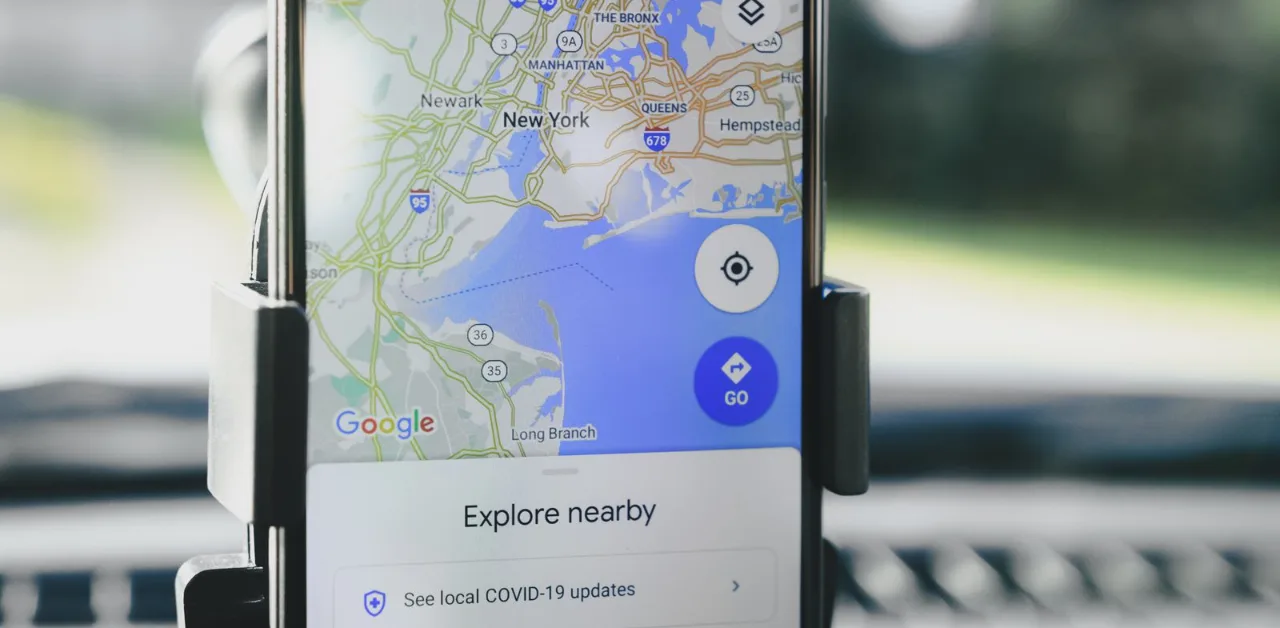
The Google Map Pack is the block of three local businesses that appears with a map at the top of Google search results for searches with local intent, like “dentist near me” or “plumber in Austin.” It sits above the standard organic results, which means a business that ranks in the Map Pack often gets seen before a business ranking first organically.
Getting into the Map Pack matters because local searches convert at a high rate. Someone searching “HVAC repair near me” is usually ready to call or visit today, not researching for later. If your business isn’t in that 3-pack, a competitor is capturing that ready-to-buy attention instead of you, even if your website and service quality are better.
I’ve audited local business listings across legal, healthcare, and home-service niches, and the pattern is consistent: businesses assume they have a ranking problem when they actually have a foundational profile problem. Fixing the foundation almost always moves the needle faster than any content or backlink work.
How Google Decides Who Shows Up in the Map Pack
Google ranks Map Pack results using three factors: proximity, relevance, and prominence, and understanding which one is weakest for your business tells you exactly where to focus first. Proximity measures how close your verified business address is to the searcher, relevance measures how well your Google Business Profile matches the search intent, and prominence measures how well-known and well-reviewed your business is both online and offline.
Proximity is measured using actual road distance, not a straight line on a map, and it carries significant weight in competitive urban markets according to Moz’s Local Search Ranking Factors survey (2025). This is also the factor you have the least control over, since you can’t move your office to be closer to every searcher. That’s exactly why relevance and prominence deserve most of your attention: they’re the two factors you can actually influence.
Relevance depends heavily on your primary GBP category and how well your business description, services list, and Q&A section match what searchers are actually looking for. Prominence depends on review volume, review velocity, citation consistency, and real-world signals like backlinks and press mentions.
Reason 1: Your Google Business Profile Isn’t Verified or Was Suspended
An unverified or suspended Google Business Profile is disqualified from the Map Pack entirely, which makes this the first thing to check before troubleshooting anything else. Google verifies profiles by mail, phone, email, or video depending on the business type, and an unverified listing simply won’t compete for local pack placement no matter how strong the rest of your SEO is.
Suspensions have become more common through 2026. Google ran three algorithm updates between February and April 2026, and the March 2026 Core Update specifically targeted local search quality, which pushed search volatility to the highest reading of the year (Yellowjack Media, 2026). The most common suspension triggers I see are keyword-stuffed business names (adding a service or city to your name field that isn’t part of your legal business name), virtual office addresses that don’t match USPS or Street View data, duplicate listings at the same address, and review manipulation.
Log into your Google Business Profile dashboard and check your status directly. If you see a suspension notice, submit a reinstatement request immediately, since most straightforward cases resolve within 3 to 7 business days, though complex cases can take longer.
Reason 2: You Chose the Wrong Primary Category
Your primary GBP category is the single strongest relevance signal Google uses to match your business to a search, so choosing a generic or slightly-off category can quietly exclude you from searches you should be winning. A general contractor who selects “Construction Company” as their primary category instead of “Kitchen Remodeler” will struggle to rank for kitchen remodeling searches specifically, even with an otherwise strong profile.
Search Google Maps for your actual target keywords and note which category your top-ranking competitors use, since Google Business Profile lets you inspect a competitor’s category by clicking into their listing. Choose the most specific category that accurately describes your primary service, and add secondary categories only for services you genuinely offer, not ones you’re hoping to rank for.
Reason 3: Your NAP Data Is Inconsistent Across the Web
Inconsistent NAP (Name, Address, Phone number) data across your website, Google Business Profile, and directory listings undermines the trust signal Google needs to confidently rank your business, even when each individual piece of information is only slightly off. An old suite number on Yelp, a different phone line on Bing Places, or “St.” versus “Street” inconsistencies between your GBP and your website all chip away at this signal.
I always check a client’s top 10 to 15 directory listings (Yelp, Bing Places, Apple Maps, and industry-specific directories) during an audit, because this is one of the fastest issues to fix once you know exactly where the mismatches are. Update every listing where your business name, address format, or phone number doesn’t match your current Google Business Profile exactly, and set a quarterly reminder to recheck, since directories change formatting on their own over time.
Reason 4: You Don’t Have Enough Recent Reviews
Review count and review velocity are two of the strongest prominence signals Google uses, and a business with too few or too-old reviews will consistently lose Map Pack placement to competitors with stronger, more recent review activity. 47% of consumers won’t use a business with fewer than 20 reviews (BrightLocal, 2025), and review volume keeps compounding as a trust signal well past that threshold, and review velocity matters just as much as total count, since 5 new reviews every week consistently outperforms 50 reviews that stopped coming in a year ago.
Build a simple review-request habit into your customer workflow, whether that’s a text message after service completion or a QR code at checkout, and respond to every review, positive and negative, since response activity itself is a signal Google tracks. Never buy reviews or use review-gating tools that filter out negative feedback before it posts publicly; Google’s detection for this has gotten sharper through 2026, and it’s a fast path to suspension.

Reason 5: You Have a Duplicate or Competing Listing
A duplicate Google Business Profile, whether created accidentally or left over from a past address, service area change, or rebrand, can actively compete against your main listing and split the ranking signals that should all be flowing to one profile. This is one of the most overlooked reasons a previously-ranking business suddenly drops out of the Map Pack.
Search your business name and address variations directly in Google Maps to check for duplicates, since these often don’t show up in a standard Google web search. If you find one, use Google’s “Suggest an edit” tool to flag it for merging or removal rather than trying to verify a second profile, which will only create more conflict.
What to Do If You’ve Fixed Everything and Still Aren’t Ranking
If your profile is verified, your category is correct, your NAP is consistent, your reviews are strong, and you still aren’t showing up, the remaining gap is usually competitive prominence rather than a technical error. This means your competitors simply have stronger overall signals, more citations, more backlinks, more review volume, or a longer-established profile, and closing that gap takes sustained work rather than a single fix.
This is the part of local SEO that benefits most from an outside audit, because it’s genuinely hard to see your own listing’s competitive gaps from the inside. I walk clients through exactly where their strongest local competitors are outperforming them and build a prioritized plan to close that specific gap, rather than a generic checklist. If you want that kind of clarity on your own listing, get your custom local growth plan and I’ll show you precisely what’s separating you from the businesses currently ranking above you.
Frequently Asked Questions
Why did my business suddenly disappear from the Google Map Pack?
The most common causes are a profile suspension, a recent algorithm update like the March 2026 Core Update that specifically affected local search quality, a newly created duplicate listing competing against your main profile, or a drop in review velocity compared to competitors.
How long does it take to get back into the Map Pack after fixing an issue?
Reinstatement after a suspension typically takes 3 to 7 business days once you submit a request, but ranking recovery after fixing category, NAP, or review issues usually takes 4 to 8 weeks to show up fully in local pack visibility.
Does the Google Map Pack only show 3 businesses?
Yes, the standard Map Pack displays 3 businesses directly in search results, though a searcher can click “More places” to see additional local results in Google Maps itself.
Can a business with no website still rank in the Map Pack?
Yes, a complete and verified Google Business Profile can rank in the Map Pack without a website, though pairing a GBP with a relevant, keyword-matched website page consistently outperforms a GBP alone in competitive markets.
Is proximity the most important Map Pack ranking factor?
Proximity typically carries the most weight of the three ranking factors, at roughly 35 to 40% in competitive urban markets, but relevance and prominence are the two factors a business owner can actually influence directly.
Get Your Google Business Profile Back in the Map Pack
Most businesses that disappear from the Map Pack aren’t dealing with a mysterious algorithm problem. They’re dealing with one or two specific, fixable issues, a wrong category, inconsistent NAP data, a stalled review flow, that are easy to miss without a dedicated audit.
If you want to know exactly which of these is affecting your listing, request your free local SEO audit and I’ll check your Google Business Profile against all five issues covered here. If you’re ready to build a full plan to outrank the businesses currently beating you in the Map Pack, book a free strategy session and we’ll map out exactly what to fix first.